Random Simile Generation
The program combines saved phrase parts to create random similes, allowing users to quickly generate multiple examples from the available word banks.
Coding Projects · Grade 12
A Grade 12 terminal-based simile generator built with custom menus, ASCII art, and keyboard navigation.
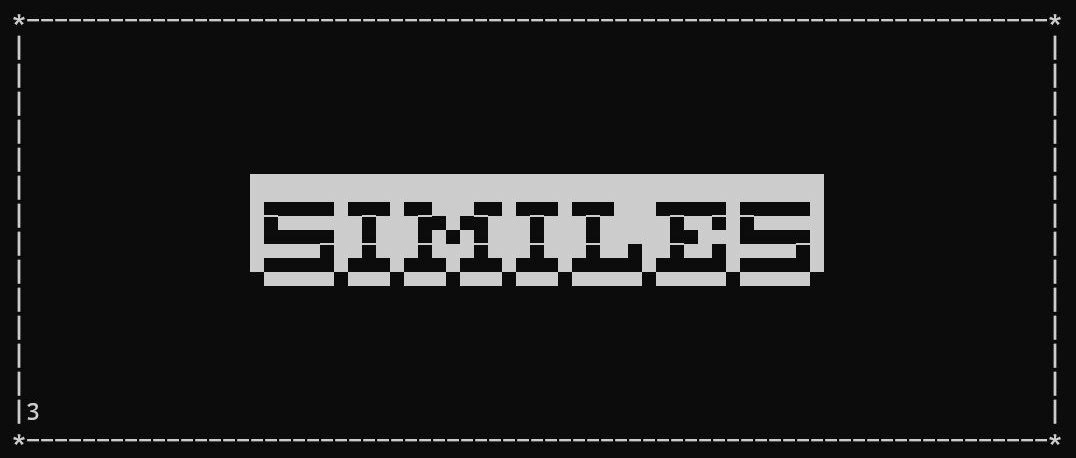
Similes was a Grade 12 programming project where the goal was to create a program that could generate similes. Instead of keeping it as a simple text-based generator, I spent extra time building it into a more complete and user-friendly terminal program.
The program lets users create their own simile parts, view saved options, and generate random combinations. I designed the interface around large ASCII art titles, bordered screens, and simple keyboard controls so it felt more like a polished application than a basic assignment.
I wanted the program to be intuitive and easy to use, even though it ran entirely in the command line. The menus use arrow key navigation, clear instructions, and separated sections for creating, viewing, generating, and exiting. A lot of the extra effort went into presentation. I created custom ASCII art headings, organized the screens with borders, and made each part of the program feel consistent so the user could understand what to do without needing outside instructions.
The main menu, simile creation screens, saved simile lists, random generation, and credits screen.
The program combines saved phrase parts to create random similes, allowing users to quickly generate multiple examples from the available word banks.
Users can add their own simile beginnings and endings, making the generator expandable instead of being limited to only pre-written examples.
The project includes custom ASCII art, bordered screens, keyboard navigation, and organized menus to make the command-line program easier and more enjoyable to use.
This project helped me practice building a program that focused on more than just the required functionality. I learned how important presentation and usability can be, even in a simple terminal application. I also gained experience with menu systems, keyboard input, storing user-created options, displaying lists across multiple pages, and organizing a project so different screens felt consistent.
Looking back, this project stands out because I put extra effort into making it feel complete. The actual concept was simple, but the interface, ASCII art, and navigation made it much more polished than a basic simile generator.