Know where you stand.
Battery charge, solar input, and power use sit together. See whether you’re saving sunshine or using what you’ve stored.
Horizon Science · Introducing Horizon Solar
A little clarity for your everyday energy. See what’s coming in, what’s being used, and what’s saved for later.
Interactive demo · Works in your browser · No account needed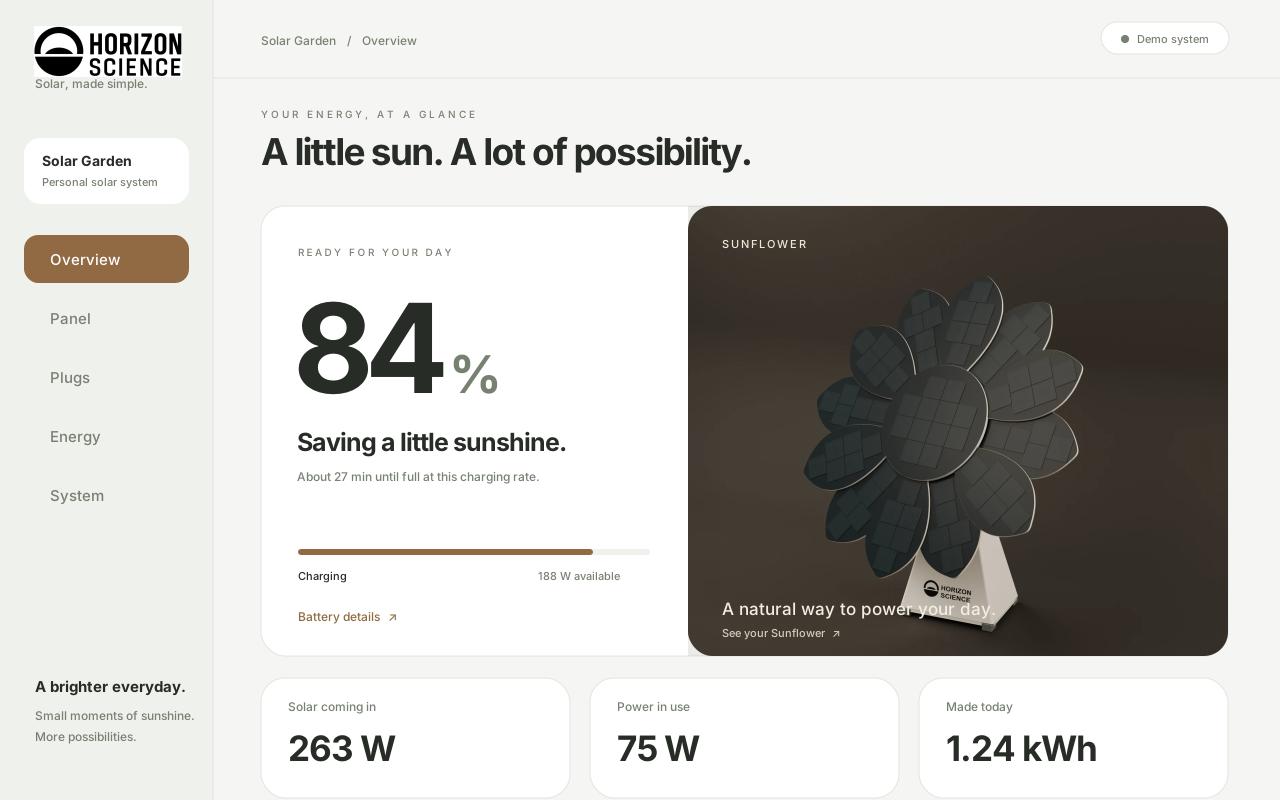
Less to figure out. More to enjoy.
The redesigned app starts with a simple question: how’s my system doing? A clear battery view, useful numbers, and everyday language help you find the answer at a glance.
Battery charge, solar input, and power use sit together. See whether you’re saving sunshine or using what you’ve stored.
Give your plugs a daily schedule or timer. Set a battery reserve, and the demo pauses a plug when power runs low.
Choose automatic tracking, a resting position, or your own angle. A dedicated Panel screen keeps the choices clear.
Five simple places. One familiar feeling.
Explore each screen in the working demo. Your changes stay in this browser.
Start with your battery, today’s solar energy, and the plugs using power right now.
Open this screenThe live demo
Try the new interface right here. All readings and controls are simulated.
Demo readings are simulated. Earlier energy history is illustrative; today’s total accumulates while the app is open. Real controller integration is still in development.
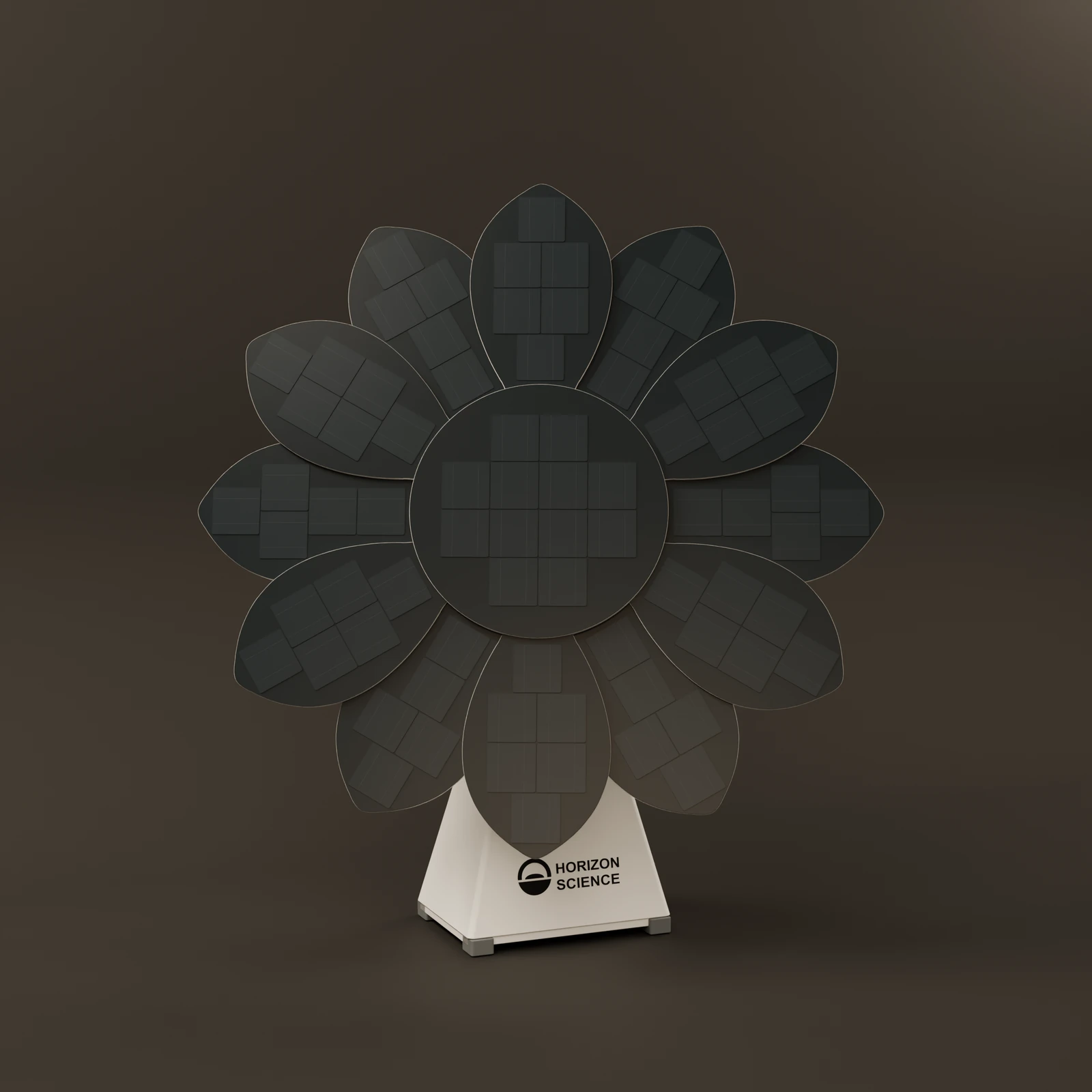
Designed together
The app shares the updated Sunflower’s quieter design: soft surfaces, careful details, and room to breathe. The original twelve-petal shape stays at the heart of it.
Explore the Sunflower projectA working prototype
The app runs in your browser with a simulated controller. Try sunny, cloudy, and night conditions to see how energy and battery behaviour change. Device capacity, plug schedules, and tracking choices also affect the demo.
The hardware is being developed separately with Charlie. The next step is bringing actual controller readings into this interface.
Five clear views, large controls, a phone-friendly bottom navigation bar, keyboard access, and dialogs that work with assistive technology.
Choose light, dark, or automatic appearance. Start with warm bronze, or try sage and sky accents, name your system, and set its example battery capacity.
Explore day, week, month, and year charts. Select a bar for details or export the selected period as a CSV. Everyday energy equivalents include their assumptions.
The interface uses React and Vite, with reusable components and separate simulation logic. Preferences, demo devices, and plug routines are saved locally. No real hardware commands are sent.
Horizon Solar