Two Game Modes
The game included both player-vs-player and player-vs-computer modes, giving the player the option to play locally against another person or against the program.
Game Development · Early Days
A terminal-based Tic Tac Toe game with player-vs-player and player-vs-computer modes, built as one of my early programming projects.
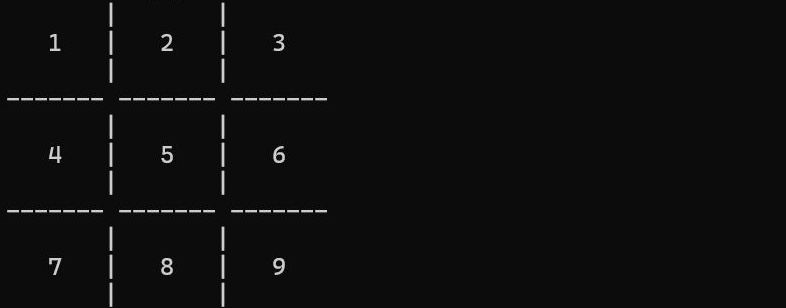
Tic Tac Toe was one of my earlier console game projects. The goal was to recreate the classic 3-by-3 game in the terminal, where players take turns placing Xs and Os until someone gets three in a row or the board fills up.
Even though the game itself is simple, it was a useful project for practicing basic game logic, menu navigation, user input, board updates, and win conditions.
The game starts with a simple menu where the player can choose between player-vs-player, player-vs-computer, or quitting. The board is displayed using numbered spaces from 1 to 9, and players choose a number to place their mark. After each move, the program updates the board and checks whether either player has won by getting three marks in a row. In player-vs-computer mode, the computer takes its own turn and places an O on the board.
Menu, gameplay, computer turns, and win screens from the Tic Tac Toe project.
The game included both player-vs-player and player-vs-computer modes, giving the player the option to play locally against another person or against the program.
The program kept track of which spaces were available, whose turn it was, and where each X or O should appear on the board after a move was made.
After each move, the game checked for winning combinations across rows, columns, and diagonals, then displayed the result once a player won.
This project helped me practice using conditionals, loops, user input, arrays or board positions, and repeated checks for different win conditions. Tic Tac Toe was a simple project, but it was a good early step into making playable console games, and it gave me practice turning a familiar real-world game into code.